
Text to Image AI Generator
Text to Image AI generator turns a simple prompt into polished visuals in seconds, so you can launch campaigns, test concepts, and ship assets. Keep control over style, lighting, and composition while creating multiple variations that stay on brand.
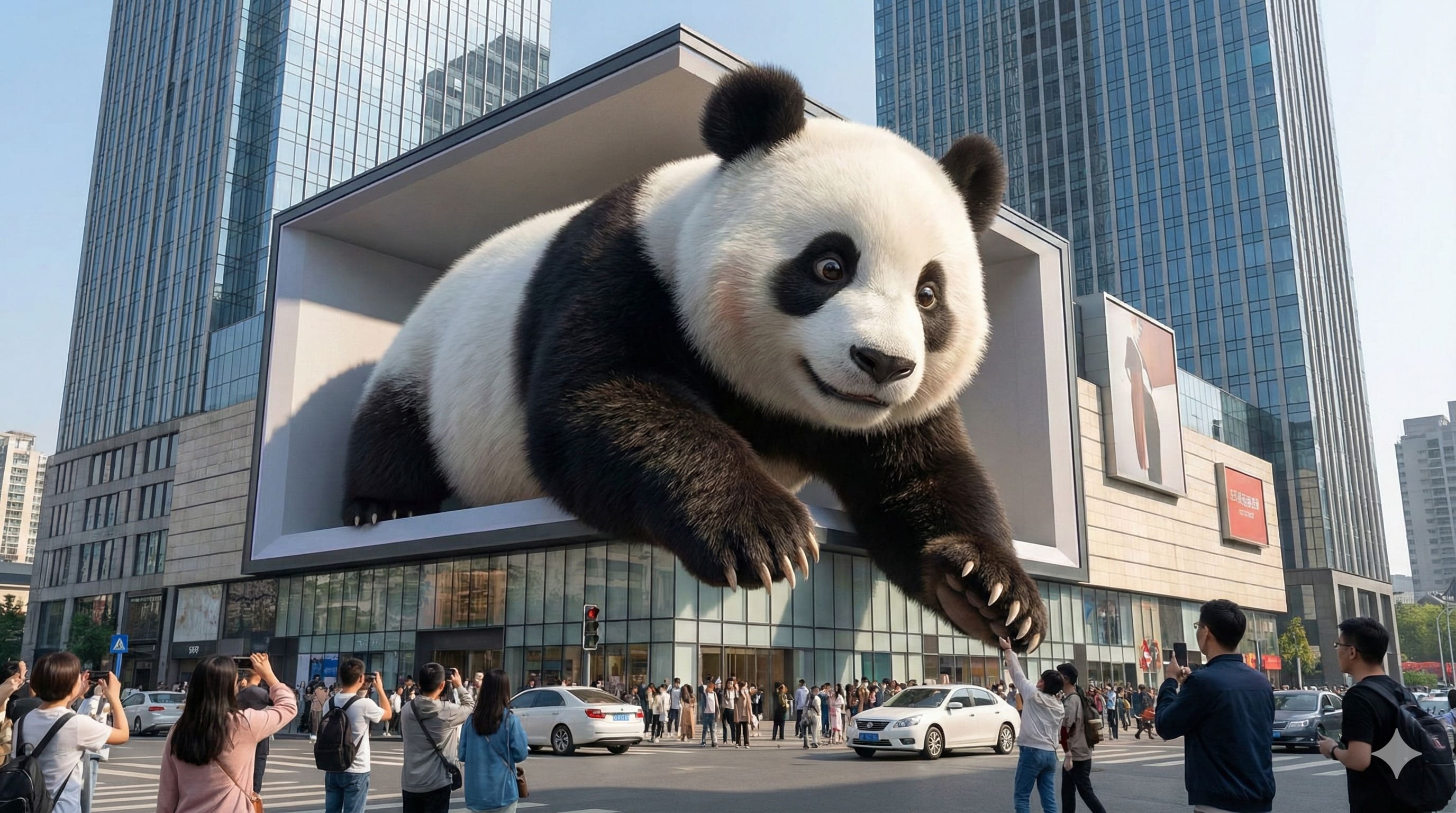
The strongest Text to Image AI models in one studio
A single workspace lets you compare leading diffusion engines without rebuilding your prompt each time. Move from photoreal product shots to illustration, anime, or cinematic looks, then review results side by side.
Intent, typography, and layout freedom in one workflow
Text to Image AI interprets meaning, renders legible text, and respects composition rules so your message stays sharp. It balances art direction with flexibility, helping you move from rough idea to polished output.
Deep semantic understanding
Typography generation you can read
Photorealism and aesthetics
Size and composition freedom
Text to Image AI use cases
Different teams use text to image tools for speed, cost control, or creative range. The examples below show how Text to Image AI fits into everyday workflows, from ecommerce to brand design.
Ecommerce product images
Create clean catalog shots, lifestyle scenes, or seasonal variants without reshoots. Place products in new environments, adjust props, and keep surfaces sharp for zoom views. Text to Image AI shortens the path from product brief to listing-ready visuals.
Poster and key art
Generate bold compositions for launches, events, or campaigns with dramatic lighting and clear typography zones. Test multiple directions in minutes to find the most compelling concept before print or paid media. Text to Image AI makes big ideas tangible without big production costs.
Character design
Define characters for games, comics, or brand mascots with consistent traits and mood. Explore silhouettes, outfits, and color palettes rapidly, then refine a chosen style. Early exploration moves faster, so artists can focus on polishing the final design.
Graphic design and branding
Build custom illustrations, icons, and background textures that align with a brand system. Use prompts to steer color, geometry, and tone, then adapt the output into layouts or decks. A flexible starting point beats a generic template.
Video covers and thumbnails
Create thumbnail-ready scenes with strong subject focus, contrast, and space for titles. Text to Image AI lets you test variations for different audiences without re-editing a shoot. Results stay visually consistent, helping content stand out in crowded feeds.
Sketch to render
Turn rough sketches, wireframes, or written notes into polished visuals that communicate the concept. Use it to validate ideas with stakeholders before investing in final production. Text to Image AI bridges the gap between an early sketch and a presentation-ready render.
How to create images from text
A simple flow keeps quality high while staying fast.
Choose the right model
Pick a model tuned for photorealism, illustration, or product visuals, then set aspect ratio and resolution up front. Saving those settings keeps the look consistent across a series. Text to Image AI lets you switch models without losing the core prompt.
Describe the image in natural language
Write a focused prompt that names the subject, environment, style, and lighting. Add details like camera angle or color palette only when they matter. Text to Image AI understands plain language, so you do not need specialized design vocabulary.
Generate and preview
Generate several variations, review the composition, and adjust a few keywords to refine. Export in the format you need. Text to Image AI supports fast iteration so you can converge on the right image.
Text to Image AI FAQ
Quick answers to the questions people ask before adopting Text to Image AI, including quality, control, speed, and usage rights.
Can't find what you're looking for? Contact our customer support team
Create your next visual in minutes
Start with Text to Image AI and turn a prompt into a polished image you can use today. Generate fast variations, pick the best one, and keep your pipeline moving with predictable quality.