
Image to Image AI Image Editor
Image to Image AI rewrites style, lighting, and mood with a simple prompt while preserving the original layout and character identity. Create fast variations for ads, products, or art without restarting from scratch.
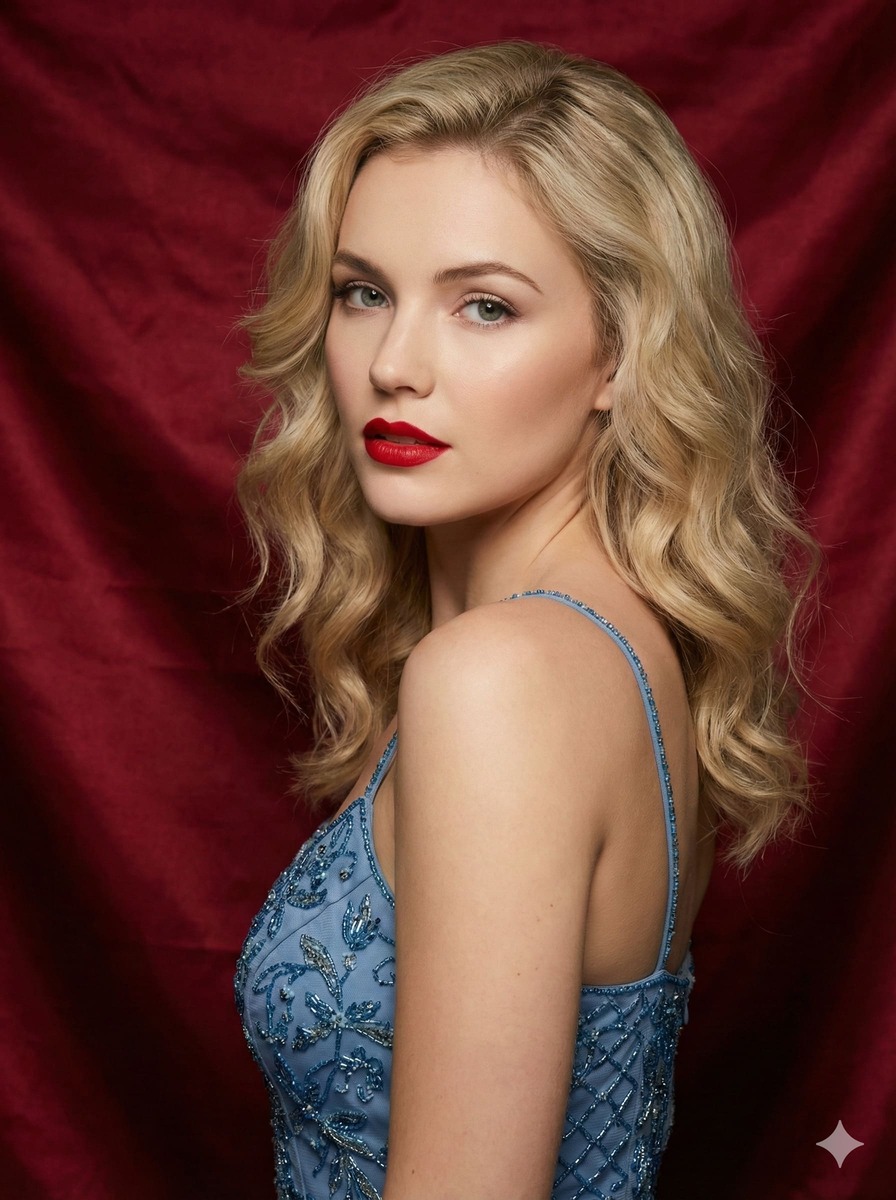
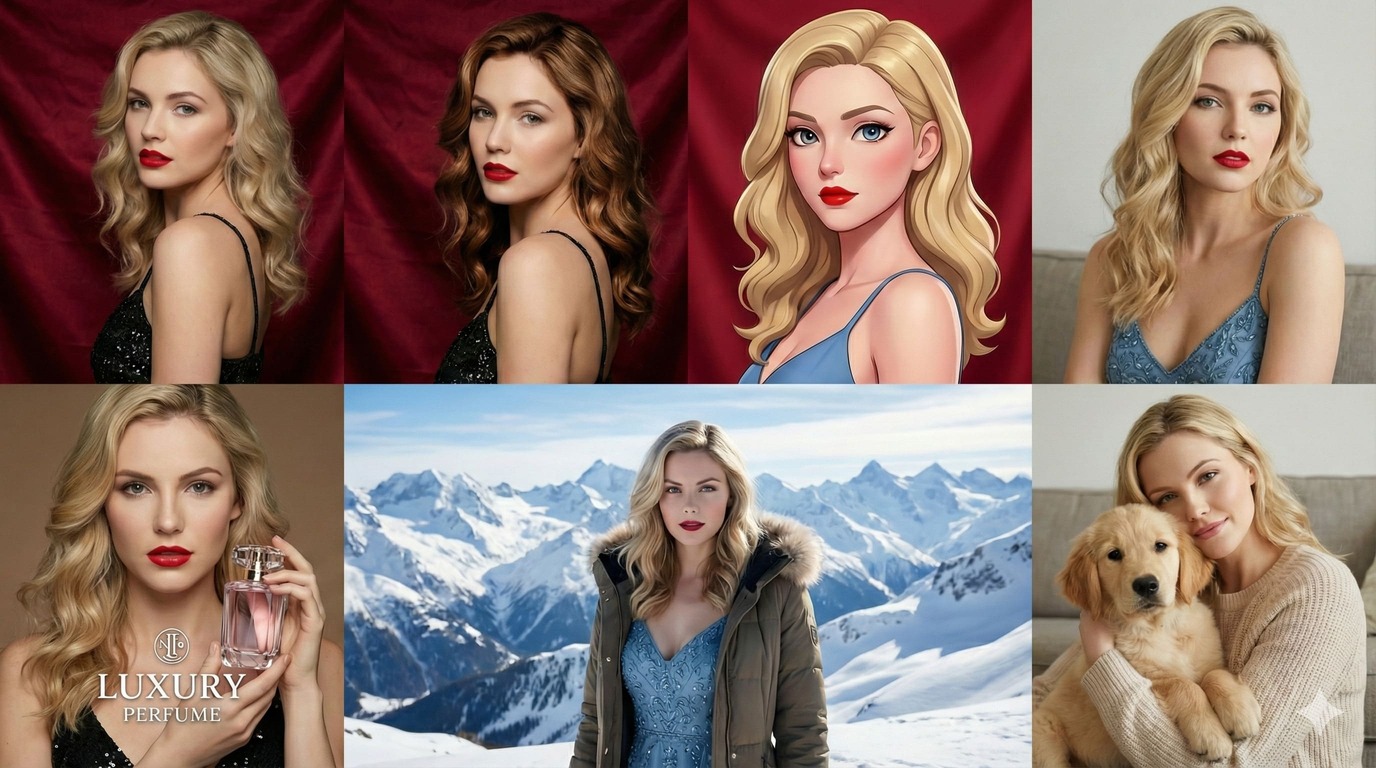
The strongest Image to Image AI models in one studio
Switch between photoreal, illustration, anime, and design-focused engines without losing your settings. Run the same reference image and prompt across models to compare fidelity, and style match in minutes. Pick the result that best fits your brand and reuse the setup every time.
Edit by Prompt, Keep Identity, Control Every Detail
Image to Image AI combines reference images with a text prompt to deliver guided transformations that feel intentional. Keep the same face, product, or character while swapping backgrounds, outfits, or lighting. From subtle polish to bold restyles, you decide how far the change goes.
Prompt-First Editing
Consistent Characters
Precise Local Changes
Any Style, Any Mood
Image to Image AI Features
Built for creators who need reliable structure, flexible styling, and fast iteration. These features make the editor a practical tool for real production work, not just experiments.
Strong Structure Preservation
Core outlines and spatial relationships stay stable, so your subject does not drift. Keep the same framing and proportions while refreshing the visual finish.
Controllable Change Strength
Adjust Denoise or Strength to choose the intensity of the edit. Use low strength for subtle color and material tweaks, medium for wardrobe or background swaps, and high for full restyles.
Multi-Image Fusion
Blend cues from multiple references to create a new hybrid. Combine textures, silhouettes, or lighting from different sources while keeping the base composition readable.
Multiple Specialized Models
Choose engines optimized for photorealism, illustration, anime, or design mockups. Image to Image AI keeps your prompt settings aligned so switching models stays frictionless.
Production-Ready Outputs
Generate high-quality images with consistent color and detail for marketing, ecommerce, and concept work. Export clean results that drop straight into your pipeline.
Simple and Fast Workflow
Upload, prompt, adjust, and generate in minutes. The interface keeps the creative focus on the image instead of settings overload.
How to Use the Image to Image AI
Follow a simple, repeatable flow to get predictable results. Each step helps you balance creativity with control.
Choose the best model
Pick a model based on your goal - photoreal, illustration, or stylized art. The right engine gives the editor the best starting point.
Upload a reference image
Drop in the photo or sketch you want to transform. This reference defines the structure, pose, and layout.
Write your prompt
Describe the new look in clear, specific language. Mention style, lighting, materials, or background so Image to Image AI knows what to change.
Generate and preview
Click generate, review the result, and refine strength or prompt if needed. Save the version that fits your use case.
Image to Image AI FAQ
Common questions about Image to Image AI.
Can't find what you're looking for? Contact our customer support team
Reimagine your photos now
Start with the image to image ai editor and turn one upload into a library of on-brand variations.