
Image to Video AI Generator
Image to Video AI turns still images into a short, story-driven clip with natural motion, realistic physics, and optional voiceover.
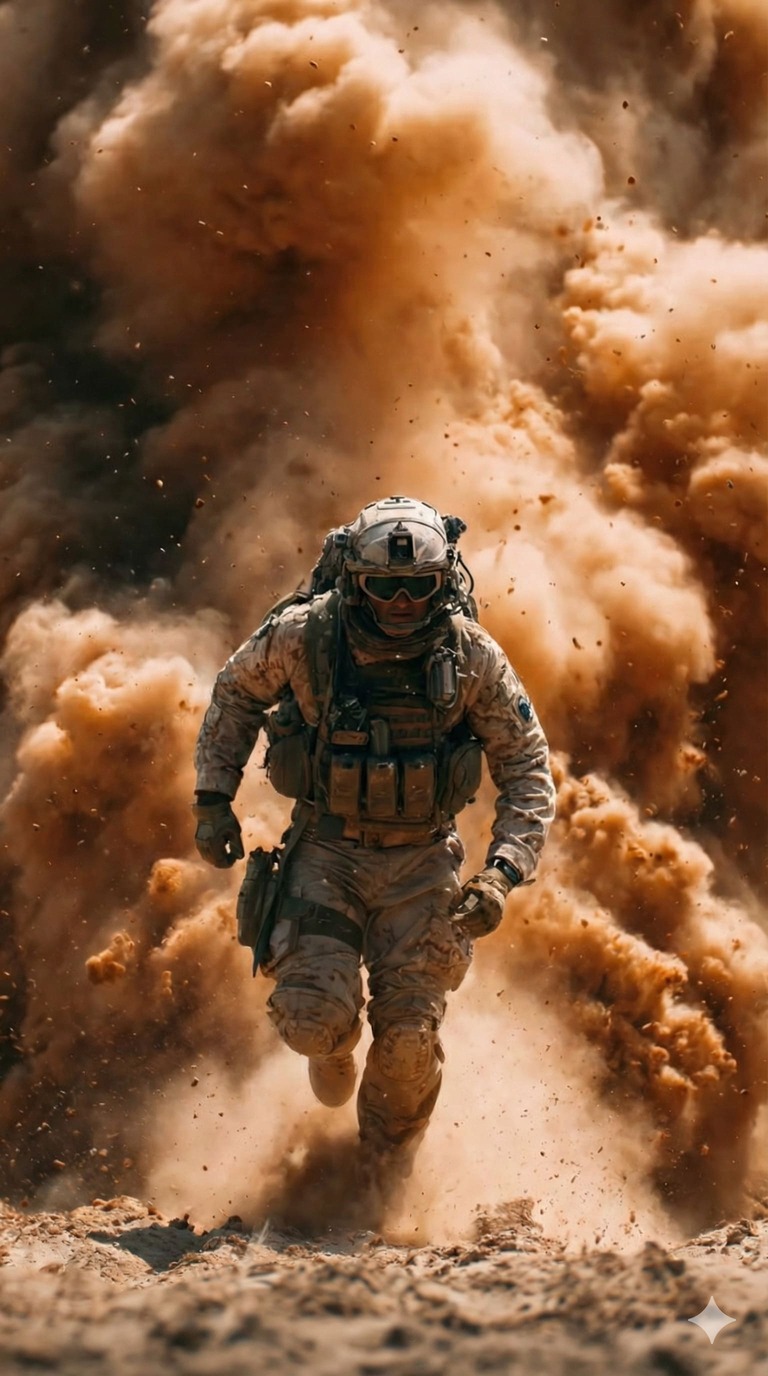
All top image to video AI models in one studio
Compare motion quality, speed, and style in seconds, then switch models without reuploading assets. The platform keeps prompts and settings consistent so results are easy to benchmark.
Voiceover, frame control, and cinematic motion in one workflow
From product demos to film tests, you need more than a simple pan and zoom.The platform combines narration, keyframe control, cinematic camera language, and consistency safeguards so each clip feels intentional while you focus on the story.
First and last frame control
Multi-image reference support
Image to Video AI with native cinematic sound
Consistency, physics, and motion balance
Integrated with Google Chrome, Workspace, and Figma
Use the tool where your files already live: launch it in Google Chrome, work from Drive in Google Workspace, or generate motion previews from Figma designs. And can save output to Google Drive with shared permissions so feedback, and versions stay in one place.
Image to Video AI use cases
Image to Video AI is now a practical production tool, not just a demo. These scenarios show where the platform adds speed, variety, and visual clarity without a full crew.
E-commerce and commercial ads
Turn product stills into motion spots that highlight materials, features, and scale. Image to Video AI lets marketers test multiple angles, backgrounds, and hooks quickly, then pick the highest-performing version for campaigns.
Film and game preproduction
Animate concept art into moving boards, camera tests, or mood reels before full CG work begins. Teams use Image to Video AI to explore pacing, lens choices, and scene transitions while keeping budget risk low.
Social media and content creation
Refresh static posts with motion, text overlays, and subtle camera movement that stops the scroll. Image to Video AI helps creators produce daily variations with consistent style across platforms.
Virtual humans and AI characters
Bring portraits and character sheets to life for demos, onboarding, or interactive prototypes. Image to Video AI maintains identity while adding expression, breathing, and micro-motion for realism.
Photography and artistic creation
Add gentle motion to still photography or illustration while preserving the original aesthetic and grain. Image to Video AI is ideal for portfolios, gallery teasers, and immersive storytelling.
Education, demos, and enterprise content
Convert diagrams, product visuals, or slide images into short explainer clips that make ideas easier to grasp. Image to Video AI helps teams communicate changes, outcomes, and workflows faster.
How to create videos with Image to Video AI
Four steps take you from images to a ready-to-share clip with controllable motion, sound, and style.
Choose the right model
Select a model based on realism, stylization, or speed, and preview expected motion before you render. Image to Video AI remembers your selections, so repeat projects stay consistent.
Upload or pick from your asset library
Upload a photo, illustration, or product shot, or select from saved assets for quick iterations. Image to Video AI preserves framing and resolution, reducing the need to re-crop.
Write a prompt and set parameters
Describe camera movement, lighting, and mood, then tune duration, and aspect ratio to match the platform.
Generate and preview the video
Render a draft, review timing and voiceover, and generate variations for fast iteration. Image to Video AI keeps each version organized for easy comparison and approval.
Image to Video AI FAQ
Answers to the most common questions about Image to Video AI.
Can't find what you're looking for? Contact our customer support team
Create your first clip with Image to Video AI
Start free and turn images into a polished video today. Image to Video AI is built for fast iteration, clear controls, and shareable results.